Guides
How to review a contract with the Analyzer
A practical walk-through: upload the document, read the findings, and decide what to change before you sign.
Krebsiti · · 2 min read
A contract is easy to skim and hard to read well. The Analyzer reads it clause by clause against Georgian law, so you start from a list of concrete findings instead of a blank page.
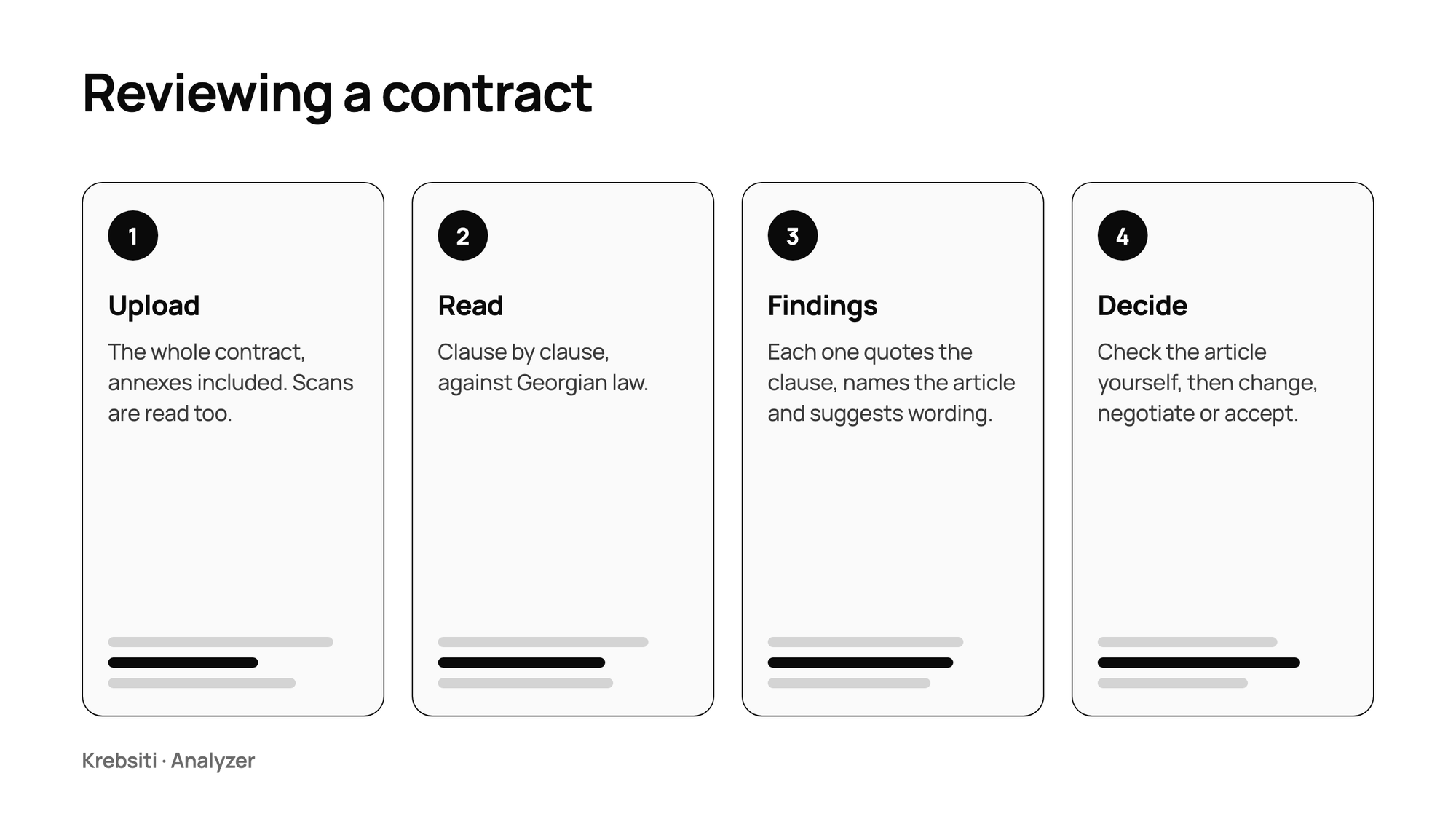
1. Upload the whole document
Add the contract as a PDF or Word file. Scanned PDFs are read with text recognition, so a photographed or signed copy works too. Upload the full text, annexes included: a clause that looks harmless can change meaning because of a definition on the last page.
2. Read the findings by type
Each finding quotes the clause, names the law and article it rests on, and suggests wording. Every finding is marked as one of:
Against the law
Likely against the law
One-sided risk
Missing detail
Wording
Start with the first two: that is where the contract may not stand. A one-sided risk is a negotiation question rather than a legal defect: it shows where the other side has the better deal.
3. Check the basis yourself
Open the article each finding cites and read it. The Analyzer is a fast first reader, not a verdict. If the cited article does not say what a finding claims, trust the article.
4. Turn findings into changes
Use the suggested wording as a starting point for your markup, then ask follow-up questions in the chat about anything unclear: why a clause is risky, what the usual alternative is, which article applies. Send the result to the other side, or to your lawyer, with the findings as your agenda.
The Analyzer supports preparation. It does not replace a lawyer's review of a contract that matters.