Product
Drafting a court filing from your case files
How court forms in Work turn a client's files into a first draft, and what stays with the lawyer.
Krebsiti · · 2 min read

Most of a court filing is routine: names, addresses, dates, the story of what happened, the list of attachments. Court forms in Work are built for that routine, so your time goes to the legal judgement.
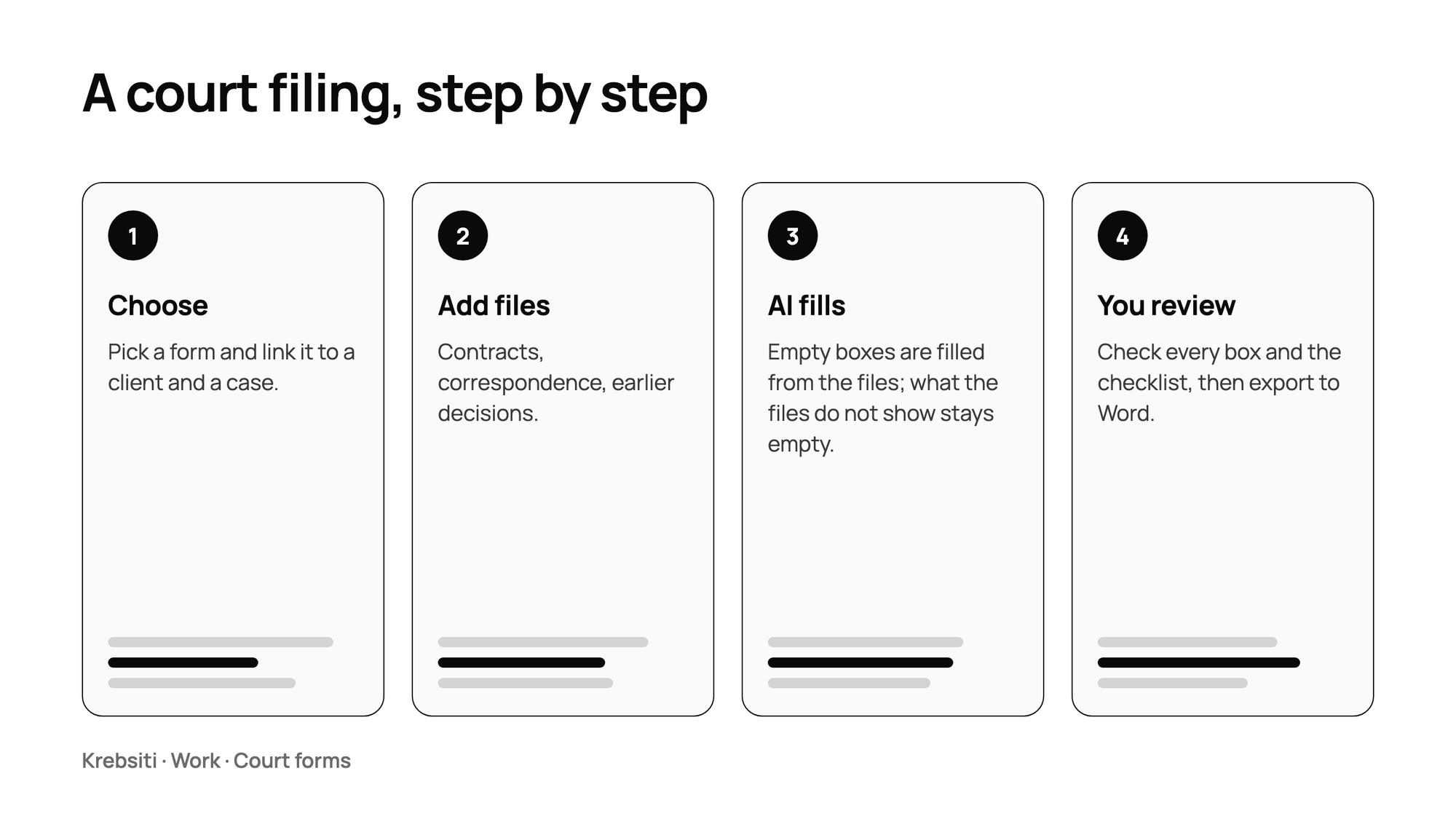
How it works
Choose a form and link it to a client and a case in Work.
Add the files the draft should rest on: contracts, correspondence, earlier decisions.
Ask the AI to fill the empty boxes. It reads the files, writes the facts in date order, and adds the law and court practice it relies on.
Review every box, edit what you want, and export the result as a Word document.
What the AI does not decide
Before anything is written, Krebsiti asks who is filing: claimant or defendant, in person or as a representative. And the formal-correctness checklist stays yours: the AI does not tick it for you.
Boxes it leaves empty
If the files do not contain an answer, the box stays empty and the draft says why, instead of inventing a fact. Your instructions for a run come first, and a company can add its own instruction for the text boxes of its templates, for example "one short sentence".
Always review
A draft is a starting point. Check every fact against the files, every citation against its source, and the form against the court's current requirements before you file anything. Krebsiti supports preparation; the filing, and responsibility for it, are yours.